myLSU Portal: How do I find Staff Resources?
This article has not been updated recently and may contain dated material.
NOTE
If you are using a mobile device to access the myLSU portal, you may need to rotate your phone to landscape mode to access the menu.
To Access Staff Resources from myLSU, follow the steps listed below:
1. Log into myLSU.
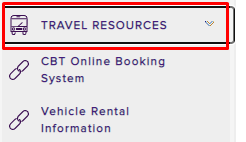
2. Click on the Travel Resources tab.
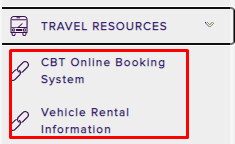
3. You will see links for the CBT Online Booking System and Vehicle Rental Information.
15385
1/9/2025 2:53:54 PM