myLSU Portal: How Do I Find Student Resources?
This article has not been updated recently and may contain dated material.
NOTE
If you are using a mobile device to access the myLSU portal, you may need to rotate your phone to landscape mode to access the menu.
To Access Student Resources:
1. Log into myLSU.
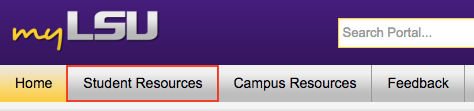
2. Click on the Student Resources tab.
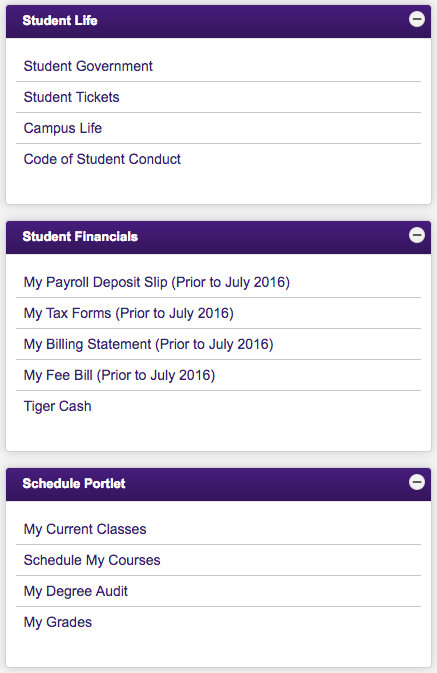
3. You will see links for multiple options underneath the categories of Student Life, Student Financials, and Schedule Portlet.
15384
5/1/2024 12:48:04 PM